Suggested prompts — how the generation system works
How GEO Tracker proposes a market-aware, profile-grounded prompt battery, limits branded prompts, and removes near-duplicates before tracking.
You can write tracked prompts yourself, but a useful benchmark needs more than a handful of brand-name questions. The generation system builds buyer-style prompts from your declared business profile, website evidence, market and language. Named competitors are intentionally excluded from this first baseline.
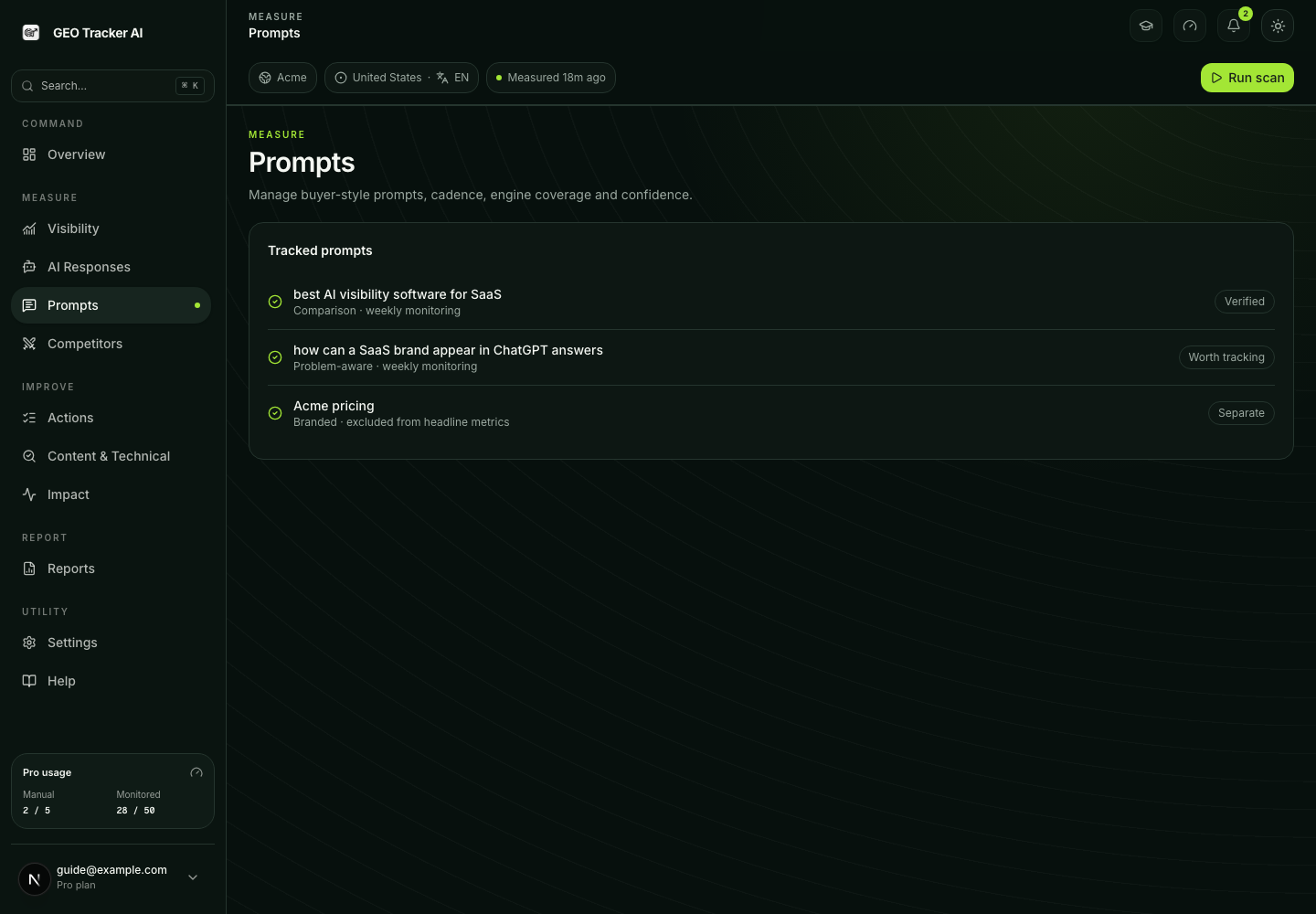
The dashboard calls this measurement unit a prompt. Each prompt is a buyer question whose answer can be compared across engines and measurement windows.
Profile first
Manual scanning and full generation require a complete targeting profile:
- business category;
- product description;
- target buyer;
- at least three topics.
- an explicitly selected market.
Your declared profile is the ground truth. Website scraping can enrich it, but a guessed site category does not override what you selected. This prevents a thin homepage or ambiguous copy from silently measuring the wrong market category.
Market and query language are separate inputs. A placeholder is not a saved selection: onboarding requires a real market so generation and the first scan cannot silently disagree about locale.
Generation layers
A full battery is assembled from complementary layers:
- Category and buyer-intent prompts — unbranded questions buyers ask before knowing a vendor.
- Use-case/comparison prompts — specific decision contexts and generic solution-type comparisons grounded in product and audience evidence, without naming a competitor.
- Factual/brand-knowledge probes — verify what AI believes about your brand.
- Branded prompts — a small supplemental layer, never the whole battery.
Branded prompts are capped at 15% of the assembled set and are excluded from the headline GEO/SOV score. They remain visible as brand-knowledge/accuracy evidence. If unbranded generation fails, the system does not fill the battery with branded questions just to reach a number.
Named competitor prompts are a separate post-scan extension. After response evidence discovers product competitors, select which ones to track within your plan limit and use Add competitor prompts in Competitors. The additive pack keeps the baseline intact and adds both competitor-intent questions (for example, alternatives to a selected rival) and direct head-to-head questions. Direct head-to-head prompts name your brand and therefore remain outside headline GEO/SOV.
Battery size and background jobs
The recommended battery is sized by plan:
| Limit | Free | Starter | Pro | Business | Scale |
|---|---|---|---|---|---|
| Suggested battery size | 10 | 25 | 50 | 150 | 300 |
Pro can request its full 50-prompt baseline in one bounded background run. Larger batteries are built incrementally. Stored-prompt and tier caps are rechecked when results are inserted, so leaving the page does not bypass quota or create an oversized set.
Grounding and fallback
The generator can use:
- the declared profile and topics;
- homepage/site context and stored content-audit pages;
- vertical-specific generation parameters;
- the selected market's language and competitor exclusions;
- existing tracked prompts;
An older 23-entry site-category preset library still exists as a fallback/classifier aid. It is not the same as the current 11-value business category selected by the user. Public copy and forms should use the current profile taxonomy, not expose the fallback library as the product's onboarding choices.
When site analysis is unavailable, the UI reports reduced grounding or a hard failure instead of pretending the same confidence. Existing prompts are not deleted by a failed regeneration.
Length, quality and duplicate protection
Accepted prompts must remain within the same product boundary as manual entry: 200 characters and 36 words. Generation/ranking cannot silently raise that limit without changing the server validation too.
Duplicate protection has multiple layers:
- exact and token-overlap checks during assembly;
- comparison against the user's existing active prompts;
- an embedding-based semantic pass at the full-battery boundary;
- a deterministic token-overlap fallback if embeddings fail.
The system over-generates before the semantic pass so dropping a paraphrase frees a slot for a distinct prompt instead of simply shrinking the promised battery. Deterministic brand/factual templates are excluded from the embedding pass because their intentionally similar wording would create false positives.
What happens after adding prompts
Prompts accepted into monitoring:
- are stored under the user's domain and current storage cap;
- receive the appropriate monitored/schedule state and are made due for the pulse path when a slot is available;
- run only the engines allowed by the effective tier;
- use the domain's current market/language context;
- are measured on the weekly baseline unless they qualify for another explicit cadence such as a Hero Prompt.
The stored value daily_pulse is a legacy schedule label, not a daily promise.
Honest limits
Read further
From public Snapshot to your prompt universe
When the default-off Evidence-First handoff is released, its exact three confirmed buyer questions can seed the same Prompt Universe after signup. They do not replace the tier baseline: the normal builder fills the remaining Free/Starter/Pro/Business/Scale coverage. The retained Site Brief is reused without a second scrape, and competitor names observed in the public measurement are never inserted into the baseline automatically.