Citation excerpt search — AI Responses
Find every AI answer that mentioned a term across the last 90 days, with two-color highlighting and day/scan-run grouping.
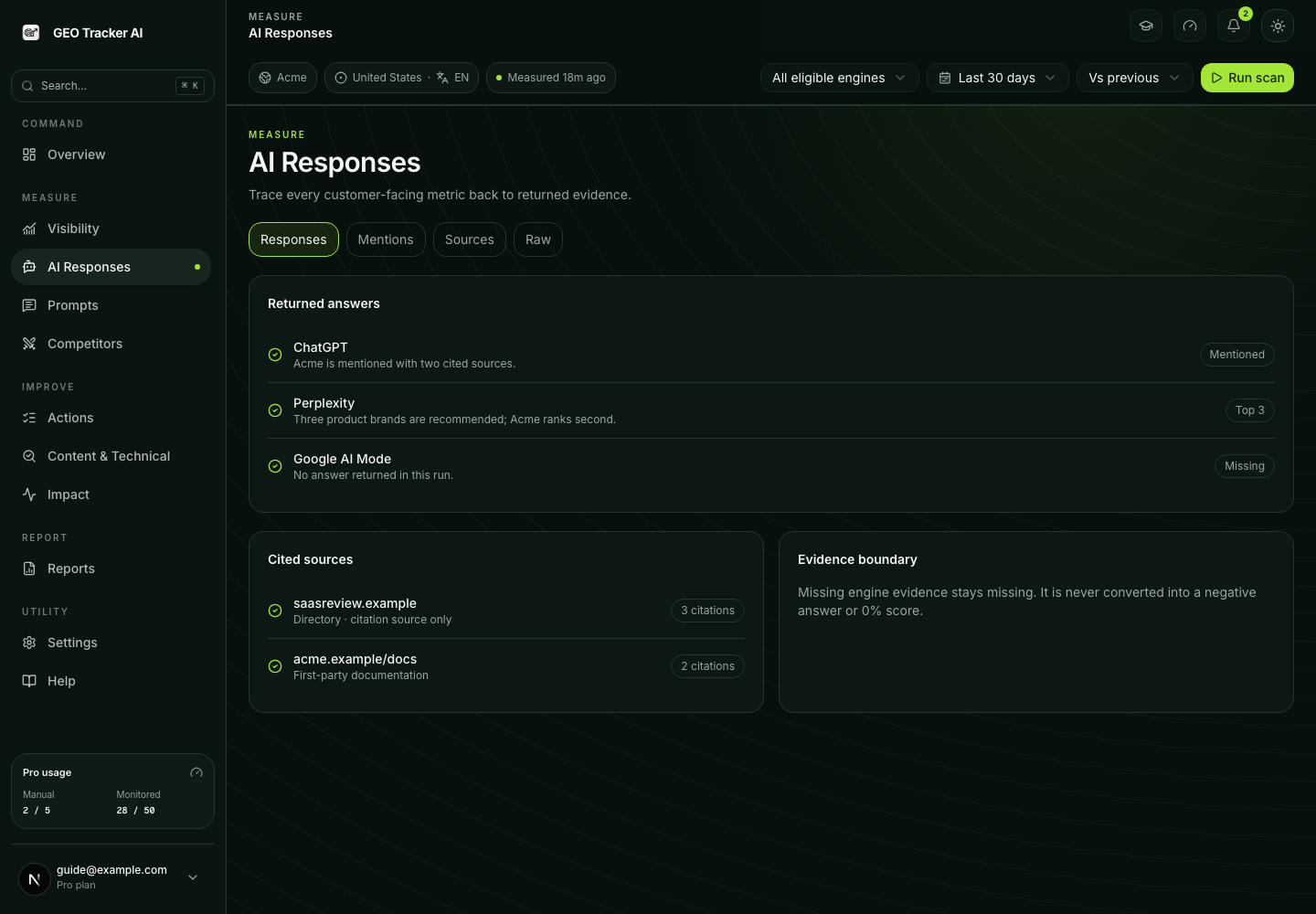
The search box in AI Responses → Raw at
/dashboard/responses?view=raw runs full-text search
across every AI answer your domains received in the last 90 days. Type
a term and you immediately see every scan_result that mentioned it,
grouped by day and scan run, with the matched terms highlighted in
context.
What you can type
The search uses Google-style operators. Examples below use brand names from the running example (deployment platforms — Vercel, Netlify) so you can plug in your own competitors and category words:
| Input | What it does |
|---|---|
vercel | Single word — matches any answer that contains it (in prose or in cited domains). |
"fast deployment" | Quoted phrase — both words must appear together. |
vercel -netlify | Leading dash excludes a term — answers that mention Vercel but not Netlify. |
vercel OR netlify | Match either term. |
Filters next to the search box let you narrow by engine (ChatGPT, Perplexity, Google AI Mode, Gemini, or Google AI Overview) and by mention status (you mentioned / you NOT mentioned). Stack them with the search query — for example, "every Perplexity answer about pricing where you weren't mentioned" is one query plus two dropdowns.
Day + scan-run grouping
Results are bucketed by day (Today, Yesterday, then date) and within each day by scan run. A "scan run" collapses every scan_result that shares trigger (manual / pulse / deep) and started within five minutes of each other into one card — so a single "Run scan" click on 15 monitored questions renders as one line, not 45.
The newest run is auto-expanded; older runs stay collapsed until you click the chevron. Each run header shows:
- Trigger type (Manual / Weekly pulse / Weekly deep) with an icon.
- Time range (
14:22if a single moment,14:22–14:25if a range). - Match count and number of distinct queries scanned.
- Engine pills (one per engine that ran — e.g. ChatGPT, Perplexity, Google AI Mode, Gemini, Google AI Overview) for the run.
Highlight colors
Inside an expanded scan run, each individual hit shows a snippet anchored on the first match. Click Show full answer to expand the entire response in place — and the scroll inside the answer box jumps straight to the first match, so you don't land at character 0 of a 6 000-character response.
Two colors are used:
- Yellow for terms you searched (same convention as Cmd+F in your browser).
- Cyan for your own brand whenever it appears in the answer.
The pair is colorblind-safe — red+green isn't, which is why we don't use it.
Citations are searchable too
A Postgres generated column expands cited_domains and
competitor_mentions into the search index with . replaced by space.
Searching jellyfish finds answers that only ever cited
jellyfish.co in their references — same brand match the
Competitor tracking page shows.
Without this expansion, search would only see the prose. URLs become hostname tokens that don't tokenize the way you'd type them.
Pagination
Initial page is 20 hits, sorted newest-first. Load 20 more appends an older page via cursor pagination — the same query runs again from the timestamp of the last hit, no client-side re-rendering of already- loaded rows.
Hard cap is 200 hits per session; past that the page asks you to narrow the search instead of letting the result list balloon. With a clean query you'll rarely hit it.
Common recipes
| Goal | Query + filters |
|---|---|
| All answers naming a competitor that didn't include you | vercel, mention status: NOT mentioned |
| Where AI used a feature word you ship | "instant rollback" (or whatever your feature is) |
| Pricing mentions across all engines | pricing |
| Recent answers from one engine only | term + Engine: Perplexity (or another) |
| Drill into a specific scan run's answers | scroll to the day, expand the run |