What GEO Tracker measures, in 5 minutes
A plain-English tour of the product — what we run, what we collect, and what the dashboard shows you.
GEO Tracker AI runs a small set of realistic buyer questions through every major AI search surface and tells you whether your brand shows up — and how strongly. The big idea is simple: nobody types your domain into ChatGPT. They ask category questions. We ask the same questions on a schedule and record the answers verbatim, so you can see exactly when your brand was named, when it wasn't, and which competitor took your spot.
The five things you need to know
- You bring the questions. A list of category-style queries your buyers actually ask ("best deployment platform for Next.js apps", "alternatives to Netlify", and so on). The product also suggests queries grounded in your real pages — but you stay in control.
- We run those questions, not you. Every scan goes through the AI engines on your plan — up to five (Perplexity, ChatGPT, Google AI Mode, Gemini, and Google AI Overview); see AI engines for the per-plan ladder. Each engine returns a full prose answer plus its own list of cited sources. We store the raw answer and parse it into structured signals.
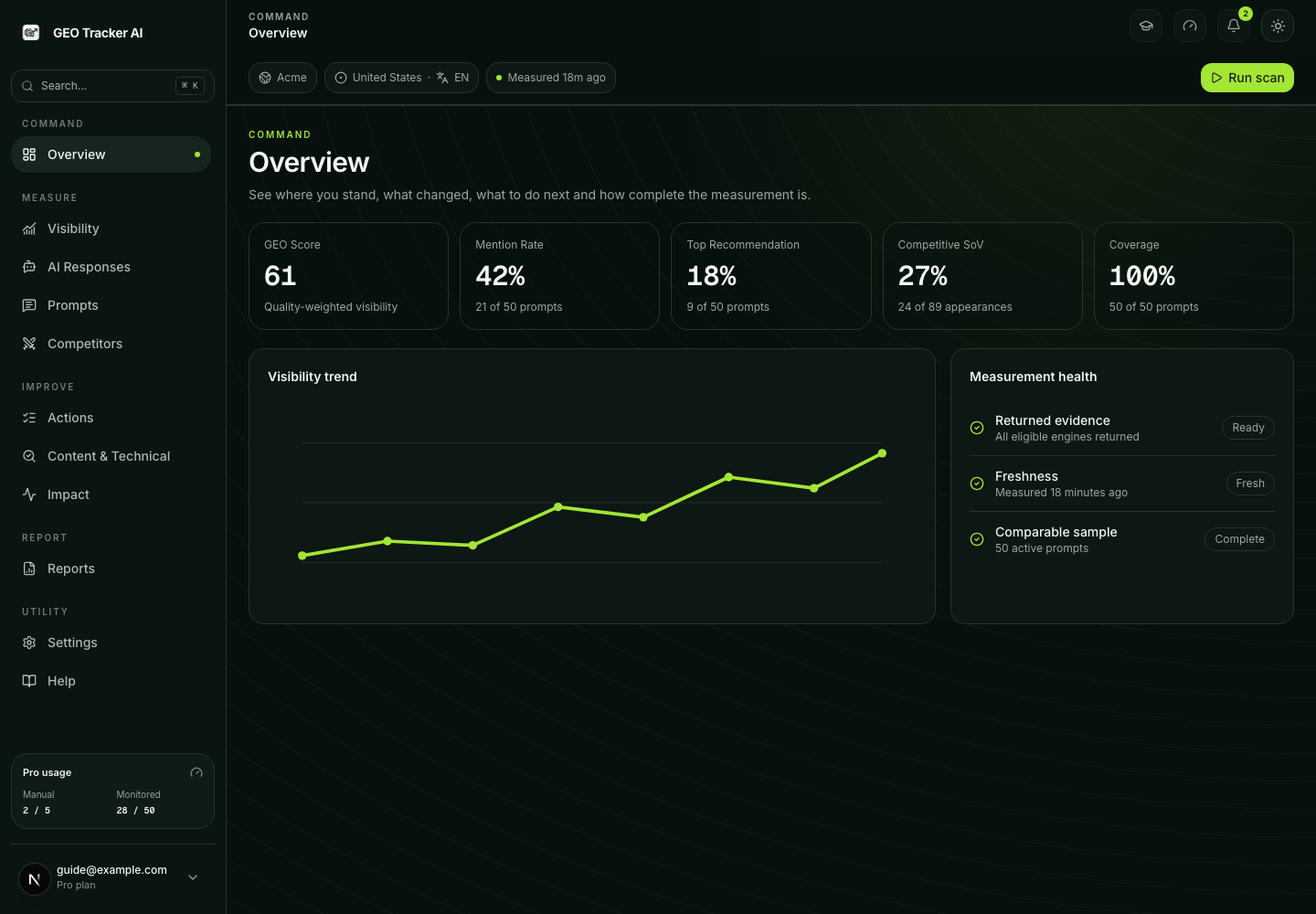
- We measure two things per query. Whether your brand was mentioned at all (a binary signal) and how meaningfully it was framed (a quality score from 0–100). Together they form the GEO Score — see the GEO Score article for the math.
- We track who else AI cites. Every scan also surfaces the brands AI names instead of you, ranked by share of voice. See the Competitor tracking article.
- The dashboard is a benchmark, not a chat. Numbers move slowly. What you're looking for is a trend — is your visibility climbing or leaking? — and the specific queries where AI doesn't surface you yet.
Your first session
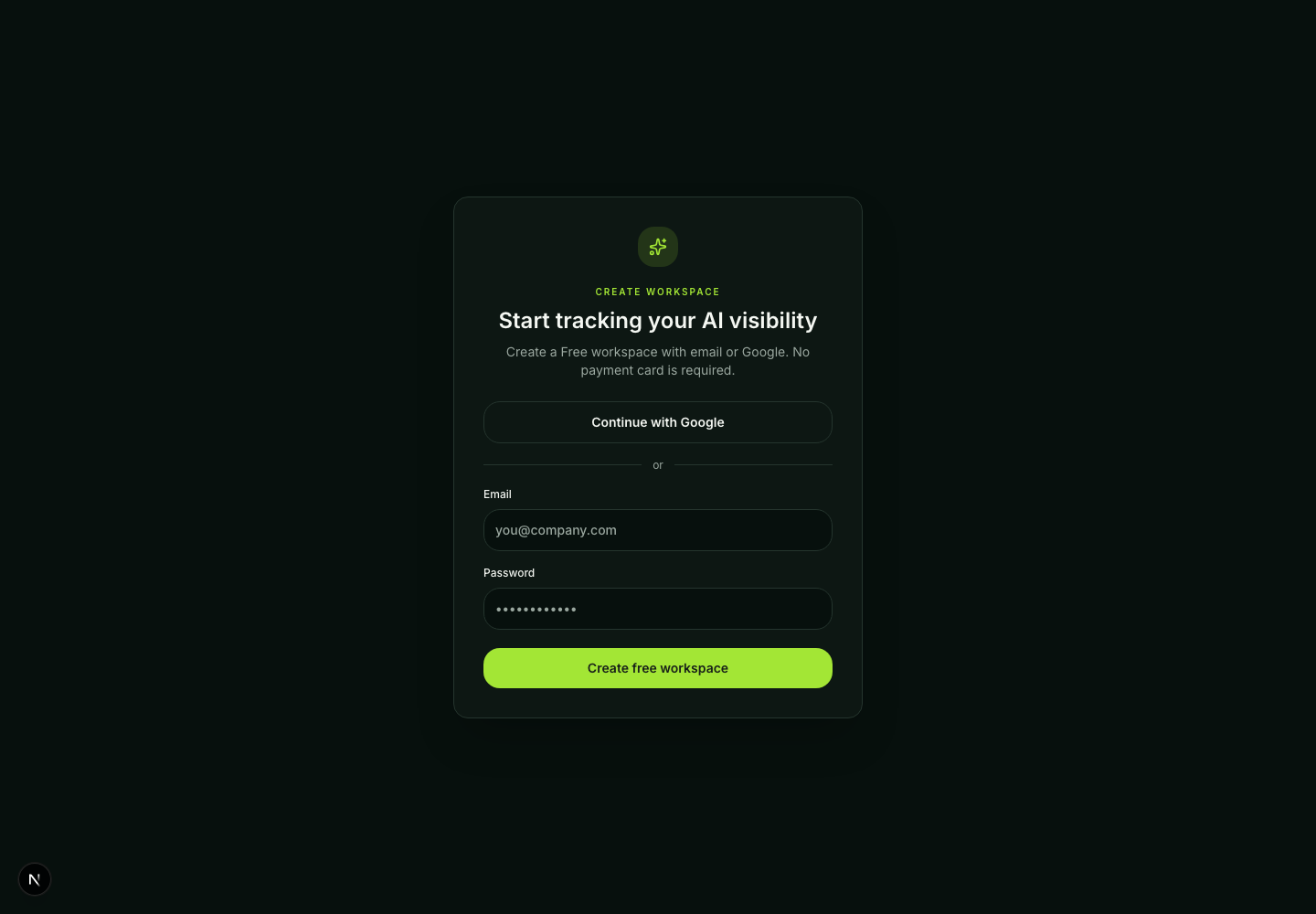
After signup, onboarding has three setup steps followed by the first measurement:
- add or reuse your domain;
- describe the business and buyer and confirm the market/language;
- review and save the first buyer-style prompts;
- run the first scan, inspect the returned evidence, and enter Overview.
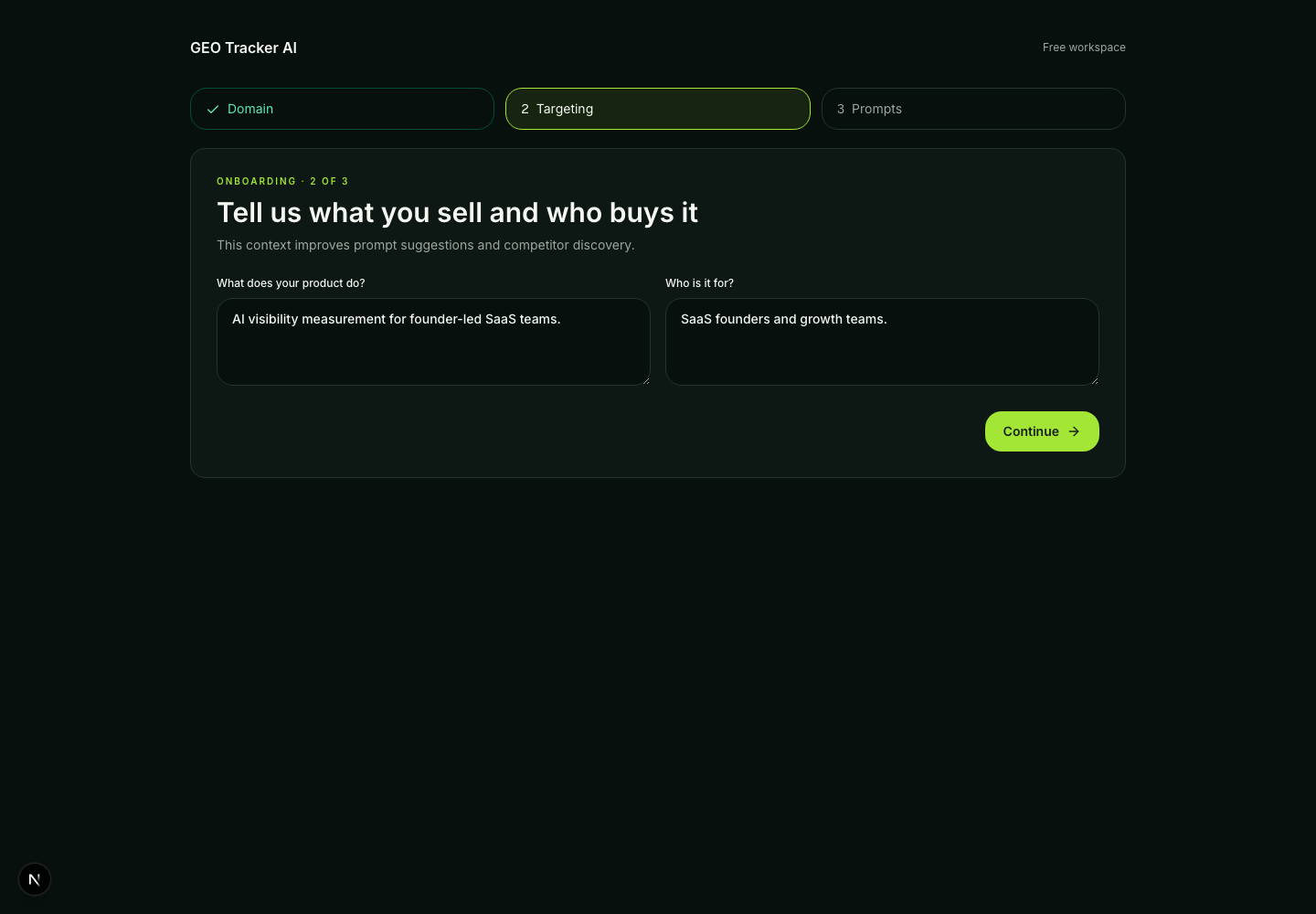
The market is selected per domain, not per individual prompt. The profile step is required because it supplies the same category, product, buyer and topic evidence used by prompt generation and the manual-scan gate.
A typical week
You can also kick off a manual scan any time — useful right after publishing a landing page, shipping a new feature, or changing a pricing tier. Manual scans are rate-limited per plan; see the Pricing article.
Where to read next
- Methodology → How the GEO Score is calculated, AI citation vs. source URL, and the longer-form Methodology overview.
- Engines → What we track and how, with a dedicated note on Google AI Mode.
- Discovery → How AI bots discover your site and the AI Crawlability Monitor that audits robots.txt + headers + meta against 16 AI bots.
- Features → Citation excerpt search, Multi-page content audit.
- Plans → What each tier includes.
If you want the long form before clicking around, the Methodology page has the full version of how this all fits together.